
Create
Create Rosters / Paint Your Shifts
Month view makes a messy roster feel obvious. Day. Night. Late. Off. Yours — painted in a few taps.
iOS · for shift workers
Overlap is the social shift calendar for people with irregular schedules. Paint your roster, add friends or groups, and see when you all have time off together.
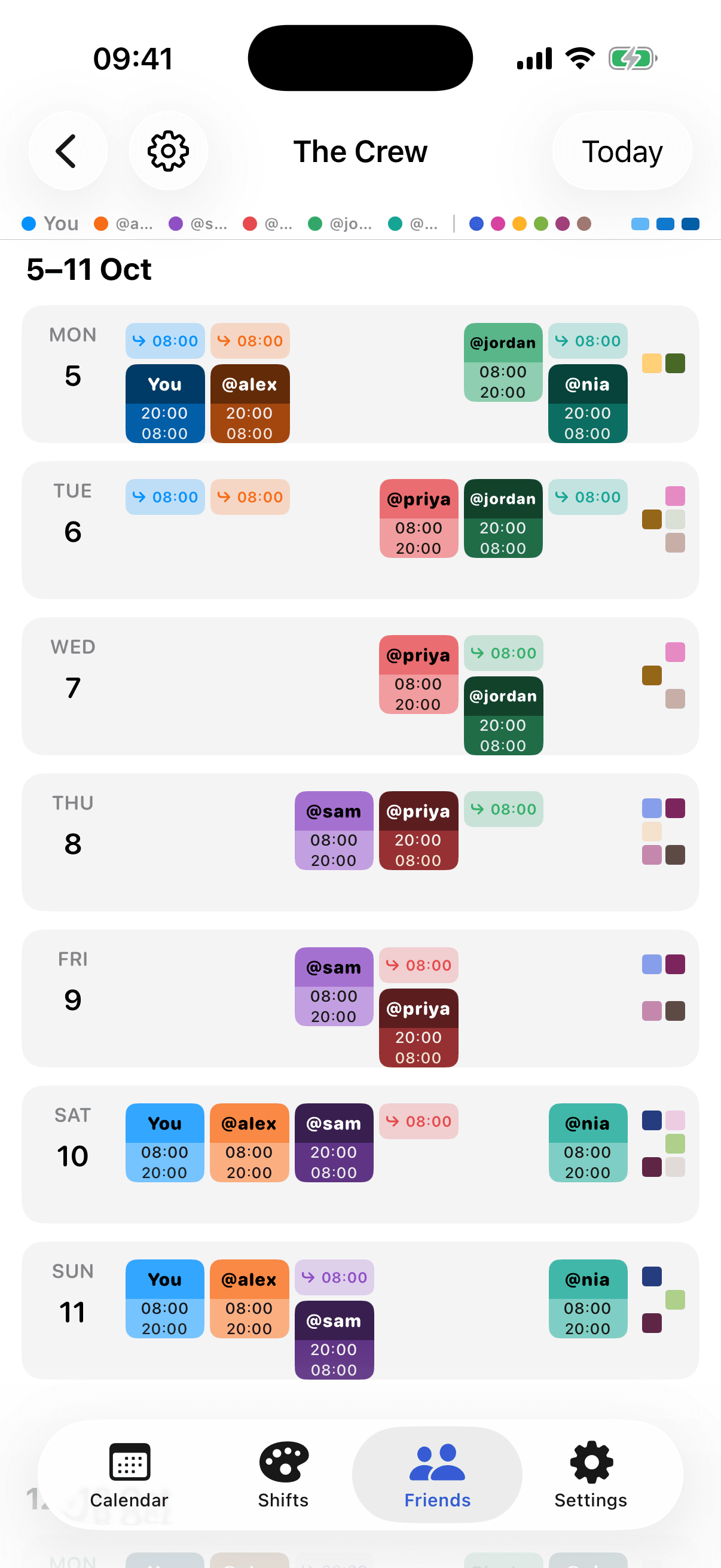
Same crew, never the same day off
How it works
01
Tap through the month and paint the days you actually work — or save a repeating rotation.
02
Bring in the people you keep trying to see — a ward, a kitchen, a station. One crew, one shared picture.
03
Lay everyone’s week down together. The gaps are the days you can finally make plans.
The app
Create
Month view makes a messy roster feel obvious. Day. Night. Late. Off. Yours — painted in a few taps.
Rotations
Nights, days, lates — set the pattern once and roll it forward, instead of painting the whole month by hand.
Friends
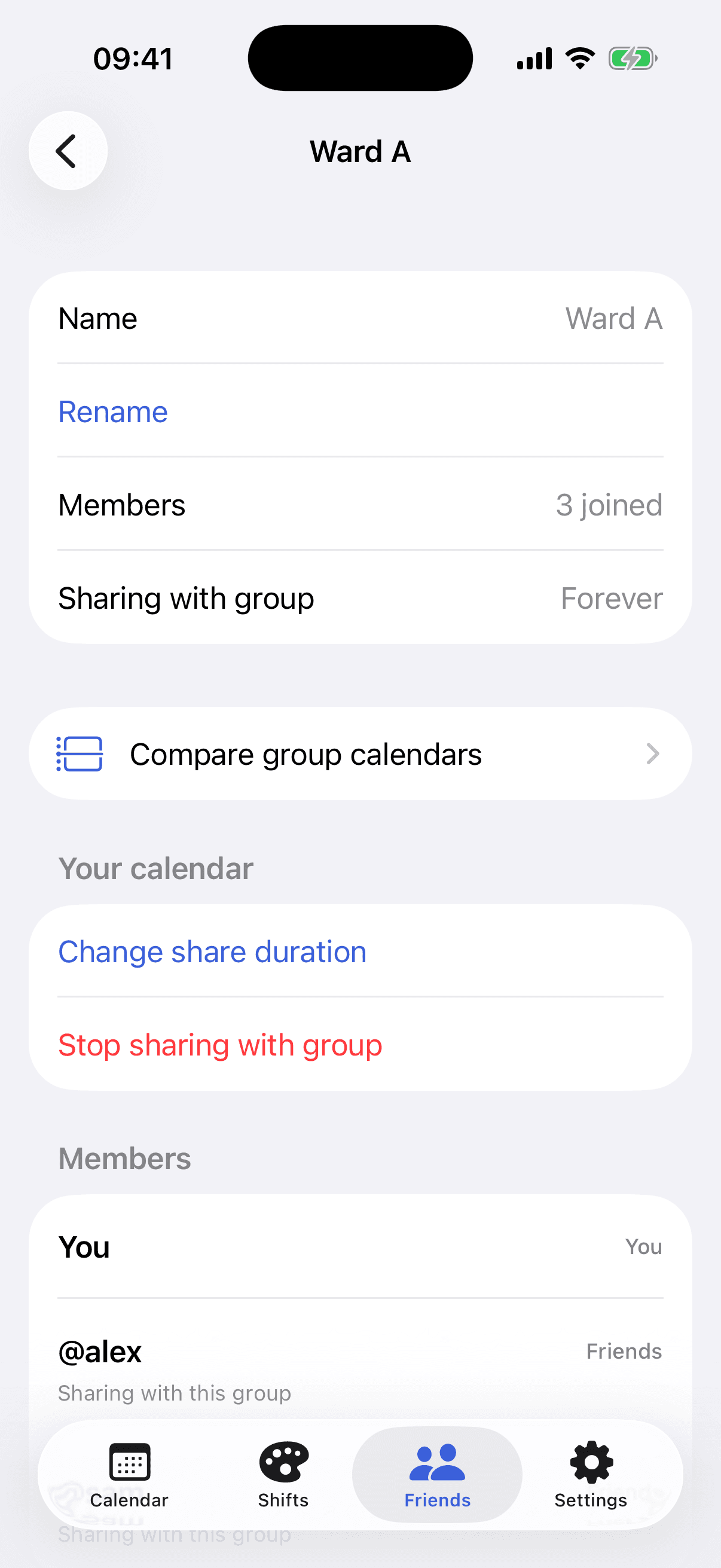
Share with a group for a rotation, a season, or for good. Ward A, The Crew — whoever you actually try to see.
Compare
Open a group and the week stacks together. You can finally see the days you actually share.
Built for shift workers
Early voices from the kinds of crews Overlap is for — placeholders until launch stories land.
“We finally stopped playing calendar Tetris in the group chat.”
“I can see the whole kitchen’s week without fourteen screenshots.”
“Nights, days, weekends — it just paints the roster I already have.”
Paint your roster, add the people you actually try to see, and find the days you share.